01
Which system owns the record
We identify the source of truth before synchronisation or migration rules are written.

ERP, CRM, document and approval workflows connected to the records your business already depends on.
Departments rely on different systems, approvals happen by email, or the same information is entered several times. You need the workflow to connect without losing the rules each team depends on.
Enterprise work is rarely a blank-page build. We map which system owns each record, how approvals move between teams and where manual reconciliation happens today. The implementation plan covers configuration, custom development, migration and adoption as one piece of work.
Map records, approvals and the systems already in use.
Agree integration boundaries and configure the core workflows.
Check data and permissions, then help users adopt the new process.
ERPNext can support connected business modules; SharePoint and Power Platform can support Microsoft-based workflows. SAP and Salesforce integrations depend on the interfaces and permissions available in your environment.
Clear answers here prevent avoidable rework later.
We identify the source of truth before synchronisation or migration rules are written.
Approvals, incomplete records and failed integrations need an owner and a visible recovery path.
Permissions, training, cutover and old-system access are planned before launch.
We map where information starts, who can change it and which system owns the record. Integration and migration decisions are made alongside the business process, with attention to permissions and reconciliation.
 02
 Education
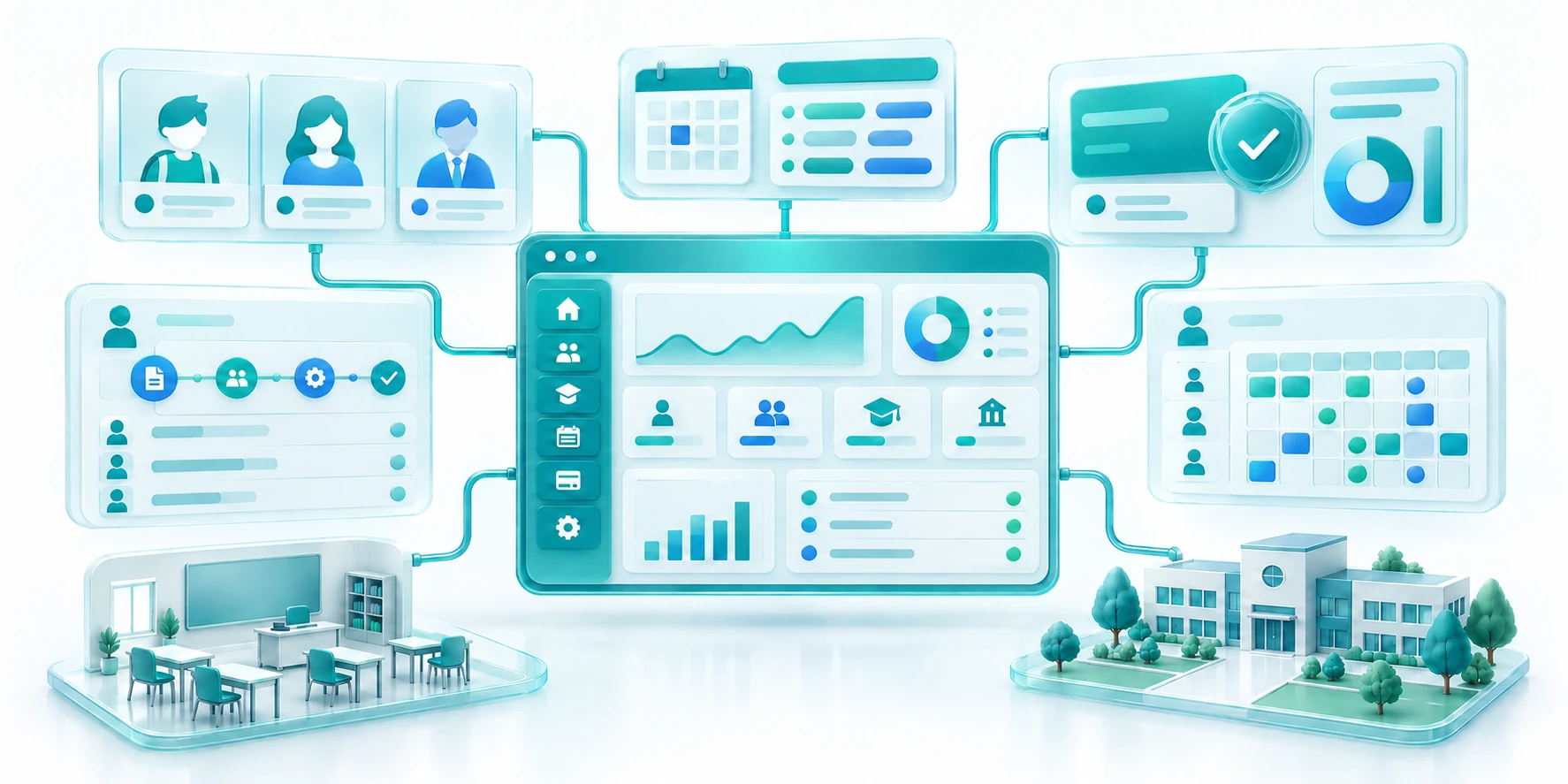
One school platform for admissions, people, finance and daily administration.
Tell us about your current setup, the work ahead and any deadlines you need us to consider.